How to Install IPTV on Android (Box or Tablet): Step-by-Step Guide 2026
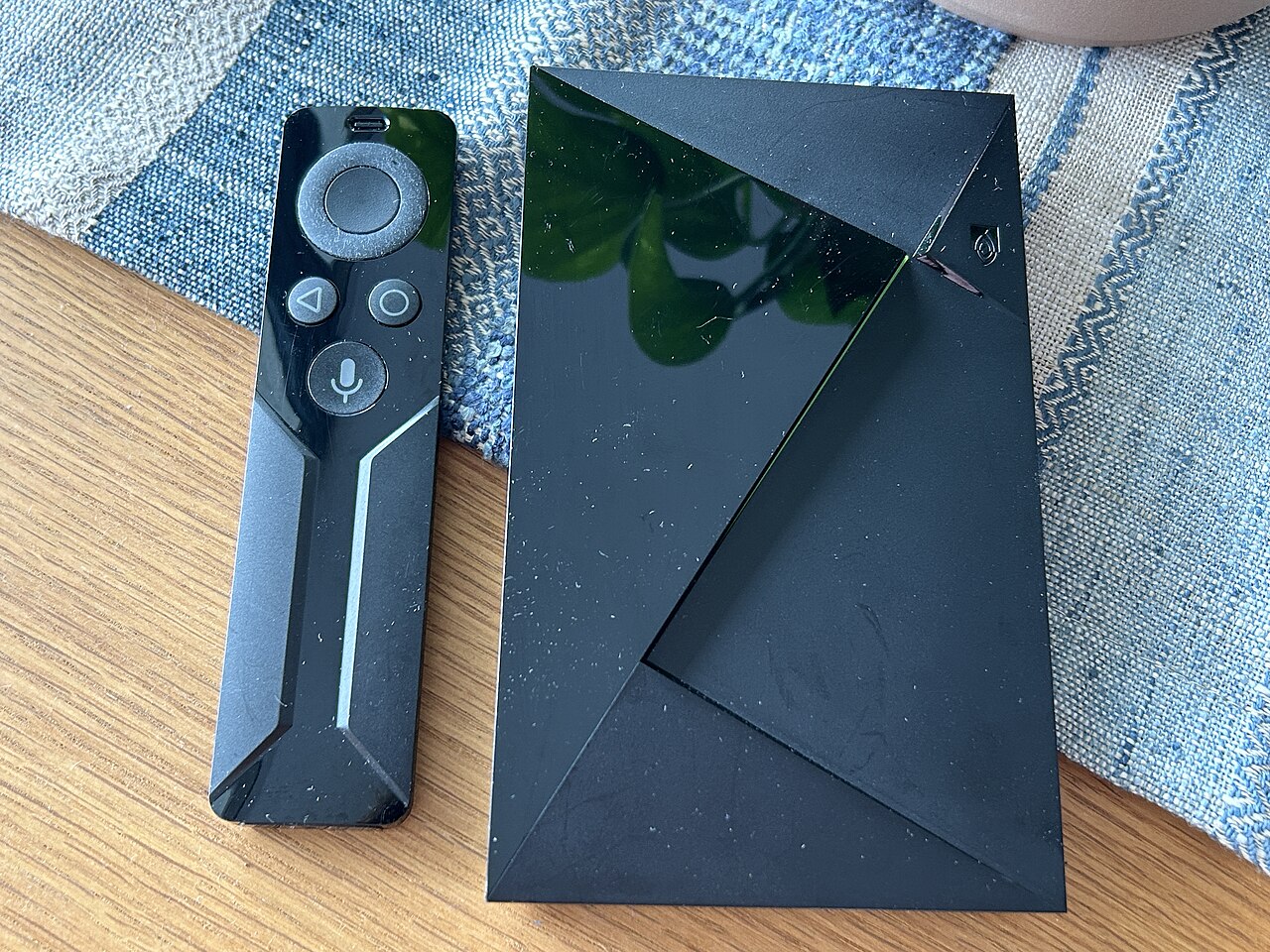
Android TV box, tablet or smartphone: most families already own at least one Android device. The good news is that this device is all you need to watch IPTV. In this guide we'll show you how to install IPTV on Android in about 5 minutes, with no computer or technical skills required.
Why use Android for IPTV?
Android is the most open platform available: you can install any IPTV app for Android TV boxes, phones or tablets. Combined with a plan like IPTV41, it unlocks thousands of channels, movies and series in HD/4K:
- Open: install any app you like, including ones outside the Play Store.
- Flexible: switch effortlessly from one screen to another (read our multi-screen guide).
- Affordable: no extra box required if you already own a tablet or an Android TV box.
- Compatible: Xtream Codes and M3U are both supported by the main apps.
Step 1 — Allow installation from unknown sources
If you plan to use apps like Canales, IPTV Smarters or TiviMate, you can grab them from the Google Play Store: in that case, no special permission is needed at all.
Step 2 — Install an IPTV app
You have two options:
- From the Play Store: search for "IPTV Smarters Pro" or "TiviMate" and install with one click.
- From an .apk file: download the file provided by your IPTV service and open it from your downloads.
Our TiviMate setup guide for beginners walks you through one of the most popular players.
Step 3 — Configure your subscription
On the first launch, choose your connection method:
- Xtream Codes: enter the server name, username and password.
- M3U playlist: just paste your M3U playlist URL.
Not sure which one? Read our comparison of Xtream Codes vs M3U. IPTV41 provides both at activation, guaranteeing compatibility with every app.
Step 4 — Enjoy 4K and multi-screen
Your device is ready. Hook the box up to your TV, prop up the tablet, and stream premium channels and live sports in 4K. IPTV41 plans allow up to 3 simultaneous screens.
Common troubleshooting
- "File not supported": make sure the .apk is complete and not flagged by an antivirus.
- The app keeps closing: free up memory and update your Android system.
- Unstable network: prefer a wired connection or 5 GHz Wi-Fi.
- No channels: check your subscription expiry date and the server name entered.
Ready for your IPTV plan?
With IPTV41 your Xtream Codes and M3U playlist are delivered within 10 minutes of payment.
View affordable IPTV plans