How to Watch Live Sports in 4K with IPTV: The Complete Guide
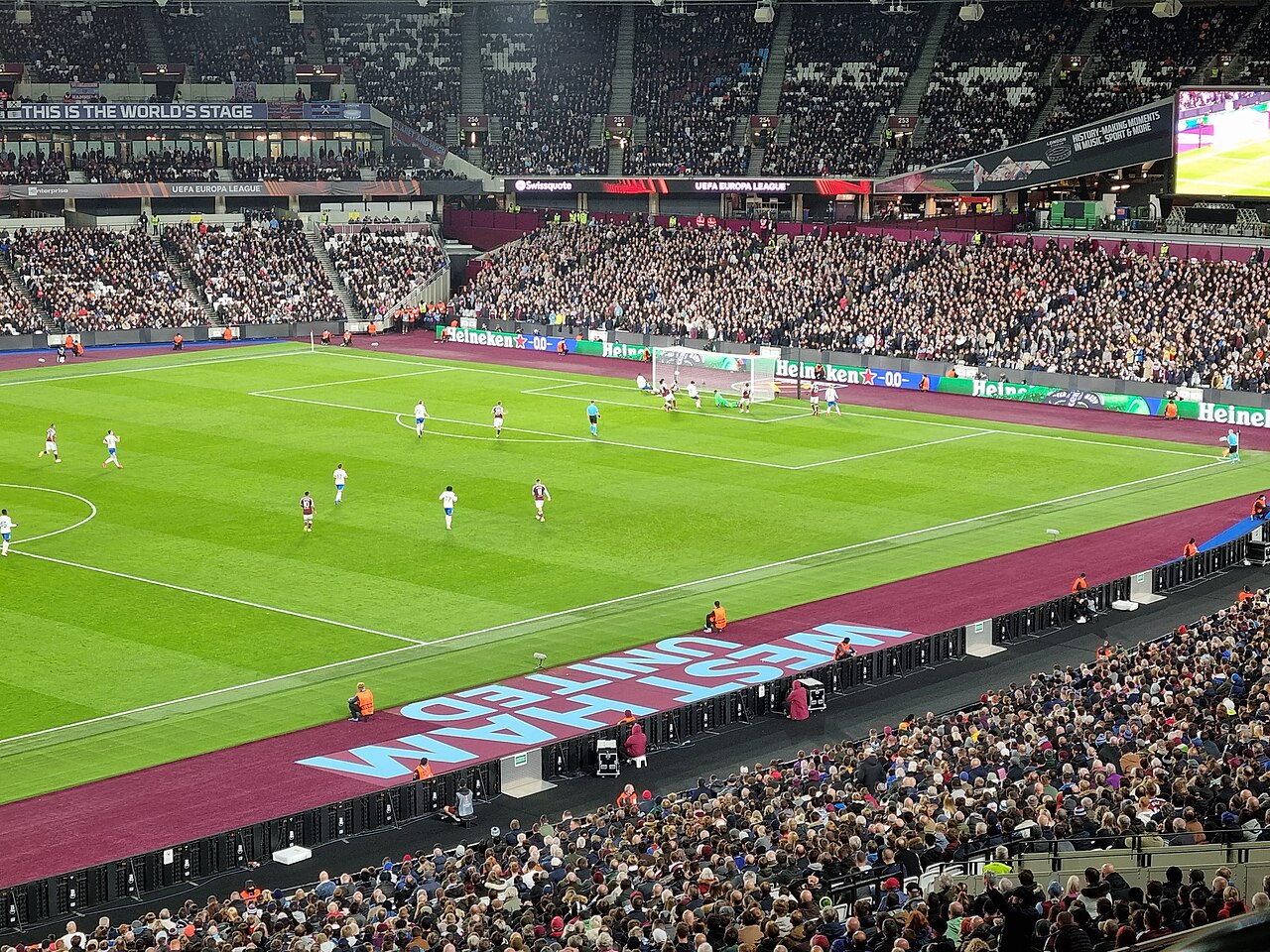
Sports are the number one reason people switch to IPTV: TV rights keep exploding, premium channels keep multiplying, and a single IPTV subscription brings together NFL, NBA, UFC, soccer, F1, tennis and boxing. Here's how to watch live sports in 4K without buffering, at home or on the go.
Which competitions can you follow?
- NFL: every game Sunday, plus redzone-style channels.
- Basketball: NBA regular season and playoffs.
- Combat sports: UFC, boxing, MMA — the fights of the week, live.
- Pro soccer: Premier League, La Liga, Champions League and more.
- Motorsport: Formula 1 and MotoGP practice, qualifying and races.
- Tennis: majors and ATP/WTA events.
How to know which channel carries what
With the program guide (EPG) of the best IPTV apps, you instantly spot which match is live on which channel. IPTV41 playlists organize sports channels by category for one-click access.
Selecting the right 4K channel
Not every channel is 4K all the time: 4K mostly appears for big occasions (Super Bowl-style finals, marquee fights, Le Mans). Outside those moments, 1080p HD remains the standard and already looks superb on most TVs.
The minimum bandwidth for buffer-free sports
- HD 1080p: 15-20 Mbps recommended.
- 4K / 2160p: 30-50 Mbps recommended.
- On Wi-Fi: use the 5 GHz band, or prefer Ethernet for big games.
Live sports on the go
IPTV's biggest advantage: take your channels anywhere. On your phone, tablet or laptop, sign in with your Xtream Codes credentials or M3U playlist and watch the game from the train, a hotel or the office. Some IPTV41 plans allow 3 simultaneous screens — perfect for sharing a game.
Our 3 tips for a perfect live stream
- Prepare early: open the channel 5 minutes before kickoff so the buffer fills up.
- Redundancy: favorite 2 channels carrying the same event; if one drops, the other takes over in seconds.
- Hardware: a recent Android TV box or Fire Stick with HDMI 2.1 to make the most of 4K.
Never miss a game again
With IPTV41, all live sports channels are included: NFL, NBA, UFC, soccer, F1 and more, in HD/4K.
View the plans